
The Post Ticker widget adds a scrolling news-style ticker to your site. It continuously cycles through selected posts in a smooth sliding motion. Ideal for highlighting trending posts, announcements, or breaking news.
How to Use
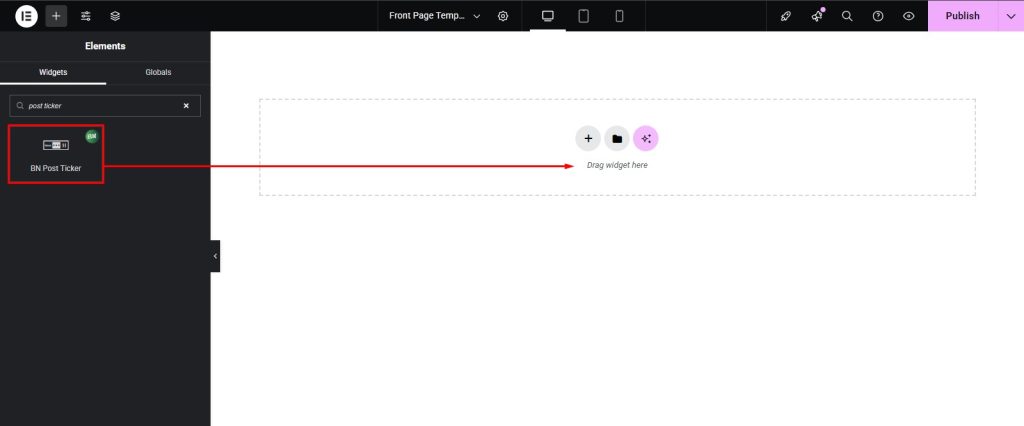
- Drag & drop the Post Ticker widget into your section.
- Configure Post Query to fetch the posts you want.
- Adjust Settings (media type, direction, speed, toggle).
- Customize Ticker Title (label, tag, icon).
- Style the ticker using the Styling Controls.
Content Settings
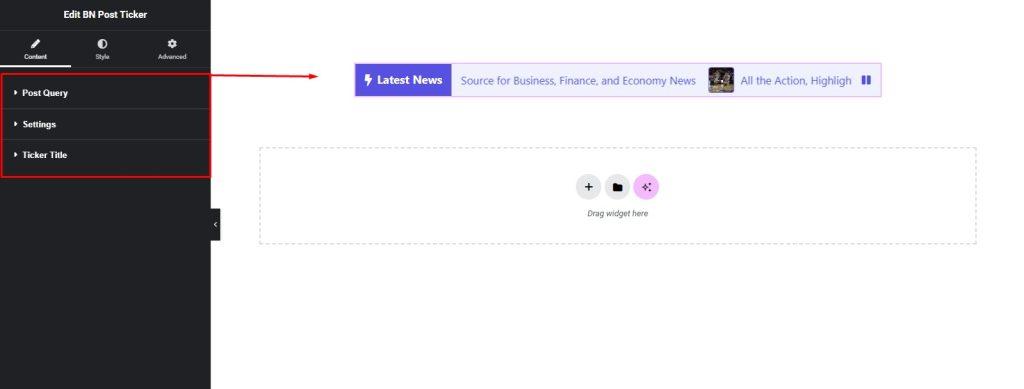
- Post Query → Posts by categories and tags, number of posts, order by, order, title length.
- Settings → Media Type, Image Resolution, Slide Direction, Slide Speed, Show Pause/Play toggle.
- Ticker Title → Title, HTML Tags (H1–H6), Icon.
Styling Controls
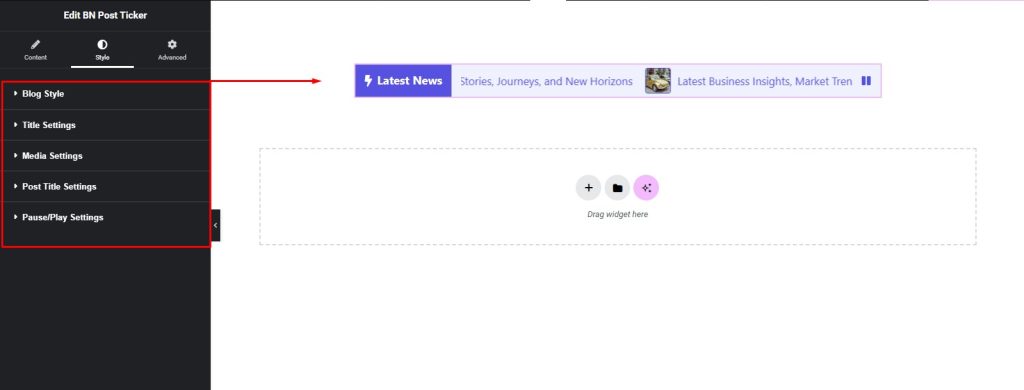
- Blog Style → Min-height, background color, border, radius.
- Title Setting → Color, background color, typography, icon size, border, radius, padding.
- Media Setting → Width, height, border, radius, margin.
- Post Title Setting → Color, hover color, typography.
- Pause/Play Setting → Color, background color, width, size, border, radius.
Pro Tip
- Keep ticker titles short and use a fast but readable speed.