
⚙️ How to Install Ansar Elements Pro
You can easily install Ansar Elements Pro just like any other WordPress plugin. Before proceeding, ensure that both Elementor and the free Ansar Elements plugin are already active on your site. Once ready, follow the installation steps below to set up Ansar Elements Pro.
Step 01:
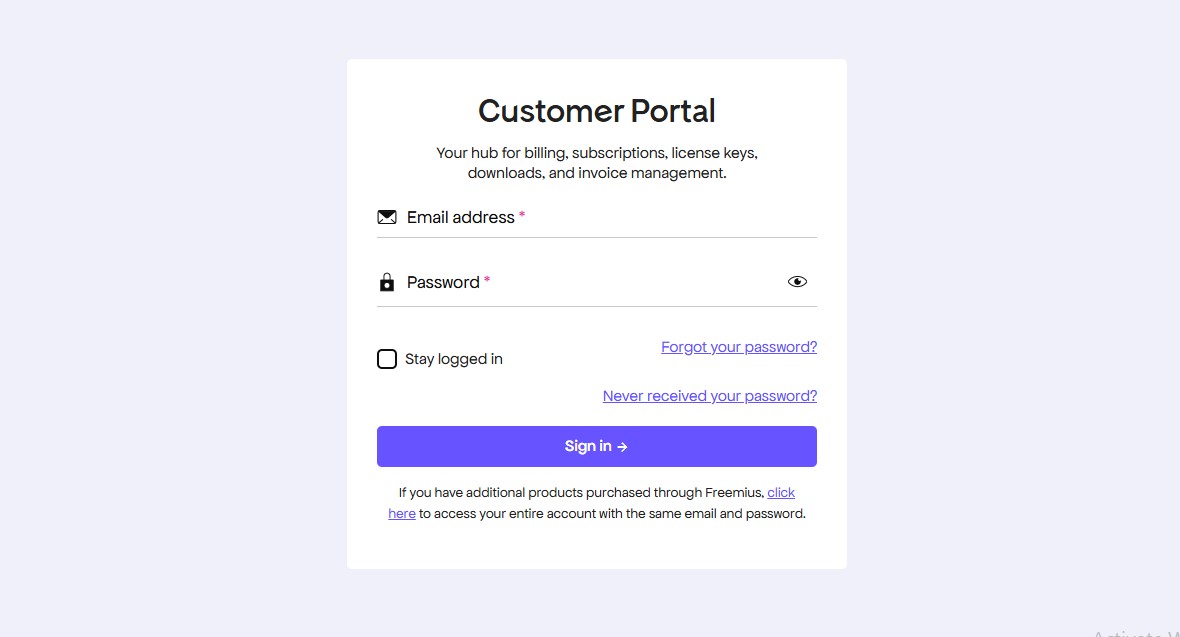
Log in to https://themeansar.com/account/
Visit the Ansar Elements Account Dashboard (powered by Freemius) and log in using the same email you used at checkout.
Step 02:
Download the latest version of the Ansar Elements package
Once logged in, go to the Downloads tab in your dashboard. You’ll see your Ansar Elements listed there. Click on Download Latest.
Step 03:
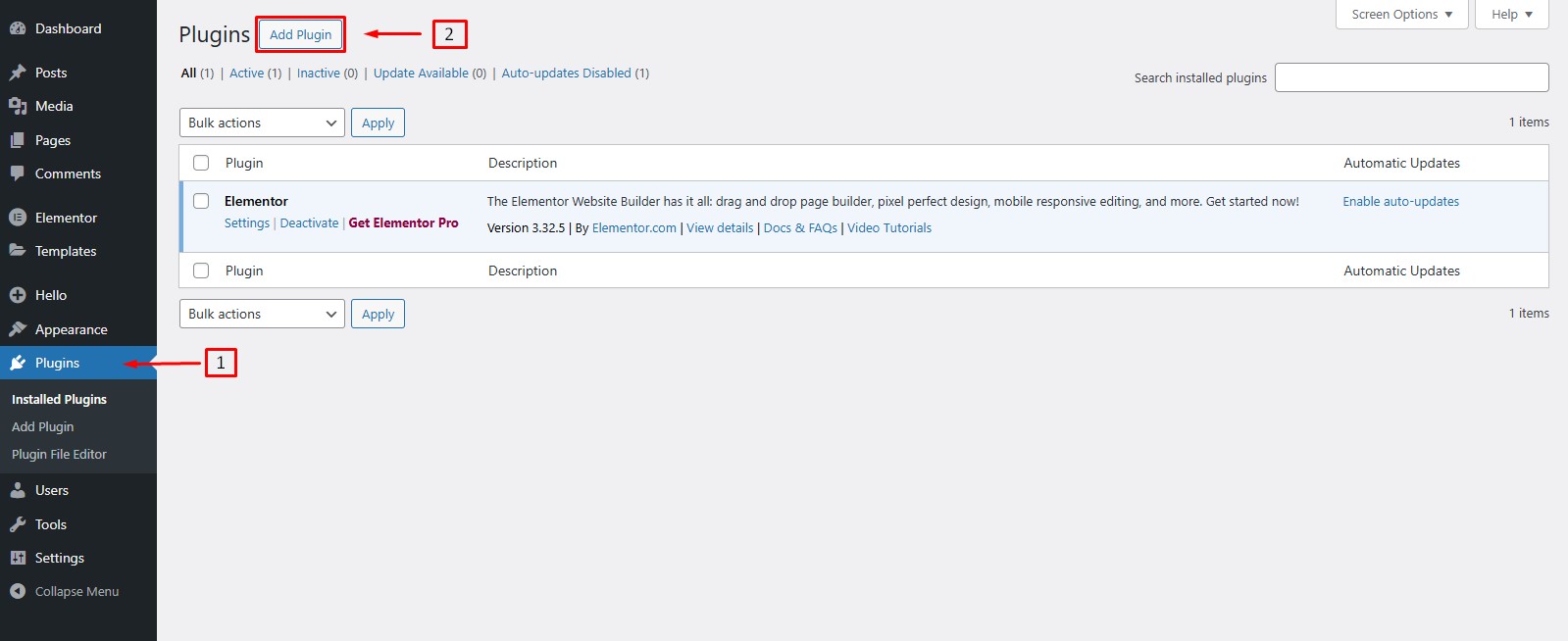
Go to your WordPress dashboard, then navigate to Plugins → Add New.
Step 04:
Now, Click on Upload Plugin.

Click Choose File, select the downloaded ZIP file, and upload it to WordPress.
Step 05:
Click Activate Plugin to activate Ansar Elements Pro.

That’s it! You’ve successfully installed and activated Ansar Elements Pro.