
The Copyright Widget is part of the Ansar Elements Elementor Add-on.
It allows displaying copyright information dynamically anywhere in Elementor-built templates, such as footers or custom sections.
This widget offers full control over text alignment and styling, enabling a professional presentation of copyright notices without coding.
How to Use
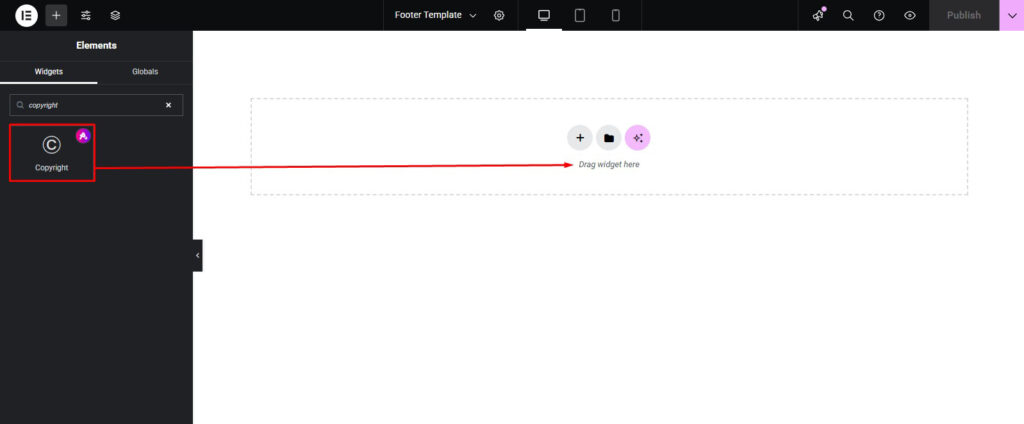
- Open any page, footer, or custom template in the Elementor editor.
- Locate the Copyright Widget in the Ansar Elements section of the Elementor widget panel.
- Drag and drop the widget into the desired location within the layout.
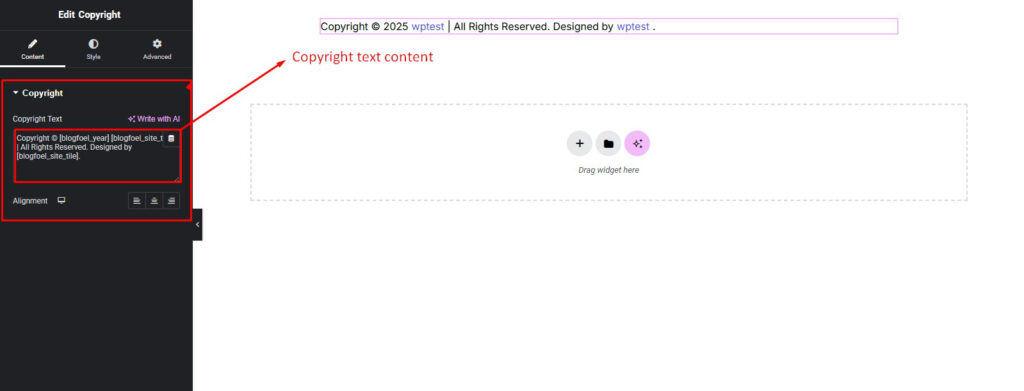
Content Setting
The Copyright Widget provides simple yet flexible options:
- Alignment: Set alignment of the copyright text to Left, Center, or Right according to design needs.
- Custom Text: Add any custom copyright text, e.g., “© 2025 Company Name. All rights reserved.”
- Dynamic Year: Optionally enable the dynamic year feature, which automatically displays the current year.
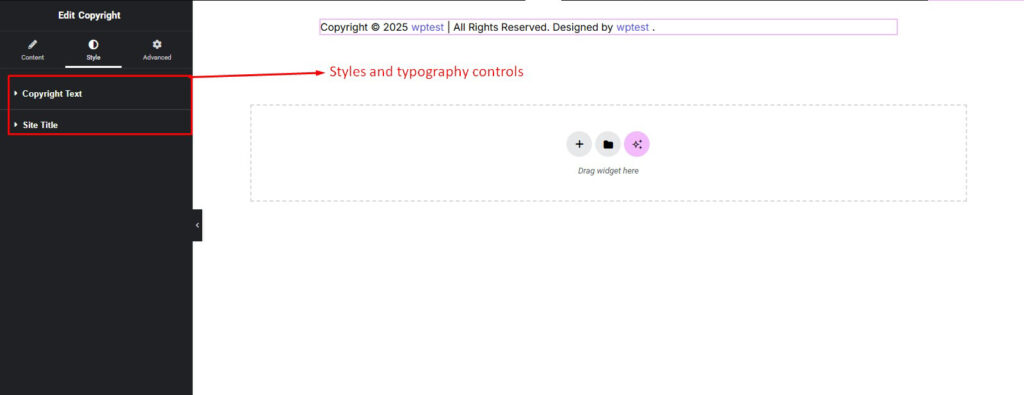
Styling Setting
The Copyright Widget includes several styling options:
- Text Color: Set the color of the copyright text to match the site’s color scheme.
- Typography: Control the font family, size, weight, style, line-height, and letter spacing.
- Hover Color: Define a different text color when the copyright text is hovered by the user.
- Responsive Controls: Apply separate style settings for Desktop, Tablet, and Mobile views to ensure correct display on all devices.
Pro Tip
- For best practice, keep the copyright text concise and use the dynamic year option to avoid manual yearly updates.